Free beta
Connect your Odoo to AI
Set up a connection between your favourite AI tool and your Odoo ERP in 5 minutes
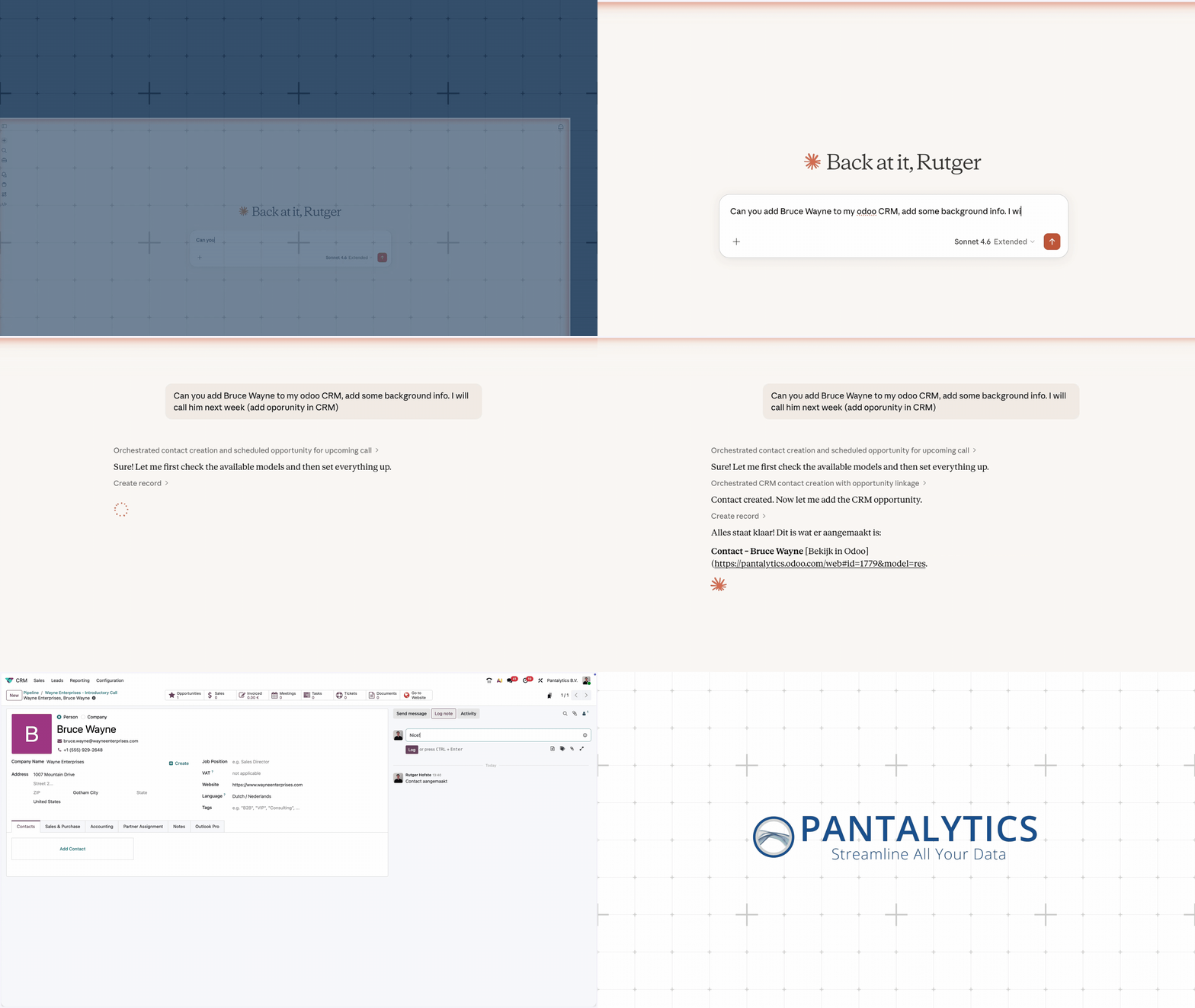
Search, read and edit your business data with natural language. Ask your AI assistant "Show all unpaid invoices over €5,000 from Q4" and it queries your Odoo instance directly. No CSV exports, no tab switching.
Works with



Features
What Odoo MCP Server Pro does
Natural language
- Search, create, update and delete records in any Odoo model
- Ask questions like "Show all unpaid invoices over €5,000"
- Discover models and field structures automatically
- Works with CRM, Sales, Helpdesk, Inventory and more
Broadly compatible
- Odoo 19+ via JSON/2 API (auto-detection)
- Odoo 14-18 via XML-RPC (legacy support)
- Claude, ChatGPT, Cursor, Windsurf and all MCP clients
- Multi-instance support for multiple Odoo environments
Security
- OAuth 2.1 authentication for cloud deployments
- API key encrypted at rest (AES-128 Fernet)
- Row-level security via Odoo ACLs and record rules
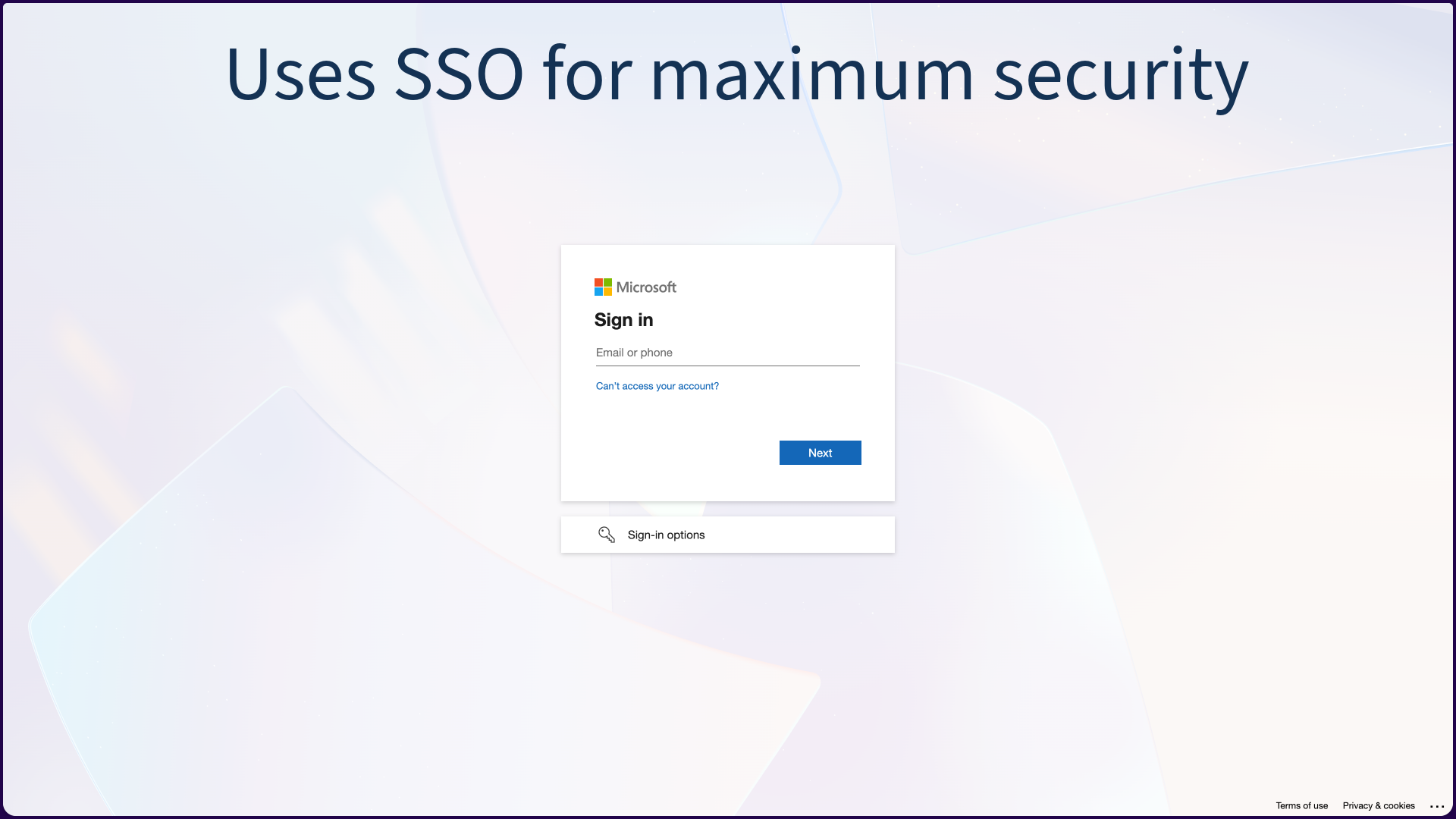
- SSO via Zitadel with optional Microsoft Entra ID federation
Get started
Choose your setup
Hosted (recommended)
5 minutes
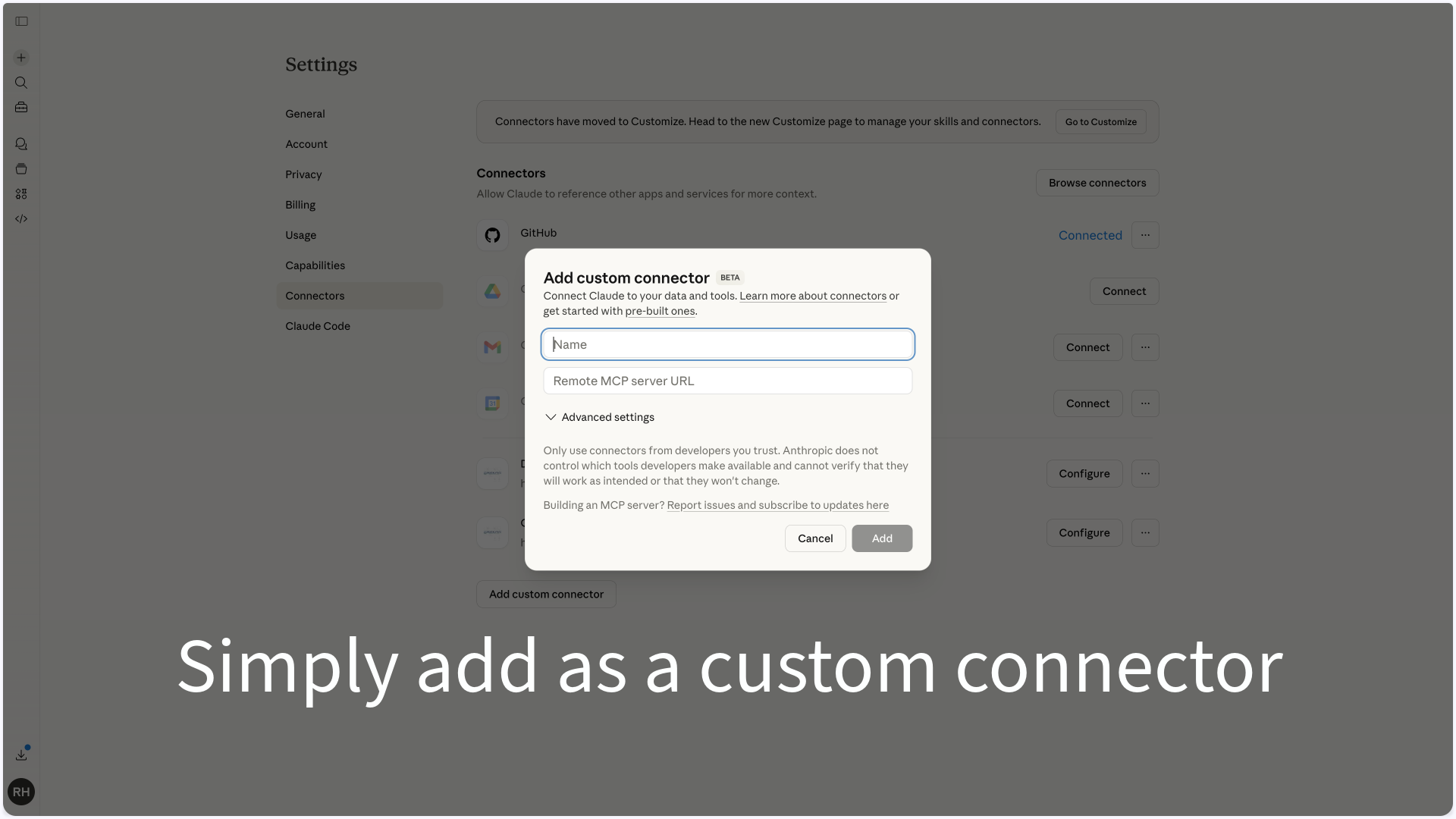
Register for free, enter your Odoo URL and API key, and add the connector in your AI tool. Done.
Start for freeSelf-hosted
1-2 hours
Deploy yourself via GitHub. For Claude Code, Cursor or your own server. Full control over your data.
View on GitHub →Legacy (Odoo 14-18)
5 minutes
Older Odoo versions via XML-RPC. Same tools, compatible protocol.
Technical specifications
Architecture
Local
AI Client → MCP Server → Odoo
Direct connection. API key stays on your machine. No intermediaries.
Cloud (multi-user)
AI Client → OAuth 2.1 → Caddy → MCP Server → Odoo
Users log in via Zitadel (IdP). Each user gets their own OAuth token. Odoo enforces row-level security.
Connect your Odoo to AI
Currently available as a free beta. Register and set up a connection between your AI tool and your Odoo ERP in 5 minutes.